
Shop turns your plans into the supermarket products you need to buy. Silflay brings together the ingredients for the meals covered by this shop, combines anything needed more than once, and adds anything else you’ve put on your list.
Check the products Silflay has chosen
Shop shows what you need for your next shop or delivery. The date at the top tells you which one you’re looking at.
If your supermarket account is connected, the list also includes products you’ve added directly in the supermarket app or website. Use All, Silflay, or the chip with your supermarket’s name to see everything together or either group on its own. Silflay manages the products it has chosen for your plan. Products you’ve added directly at the supermarket are shown alongside them, but a normal sync leaves them alone.
If you haven’t connected your supermarket, Shop contains the list Silflay has built and can become your interactive in-store checklist.
See what each product is for
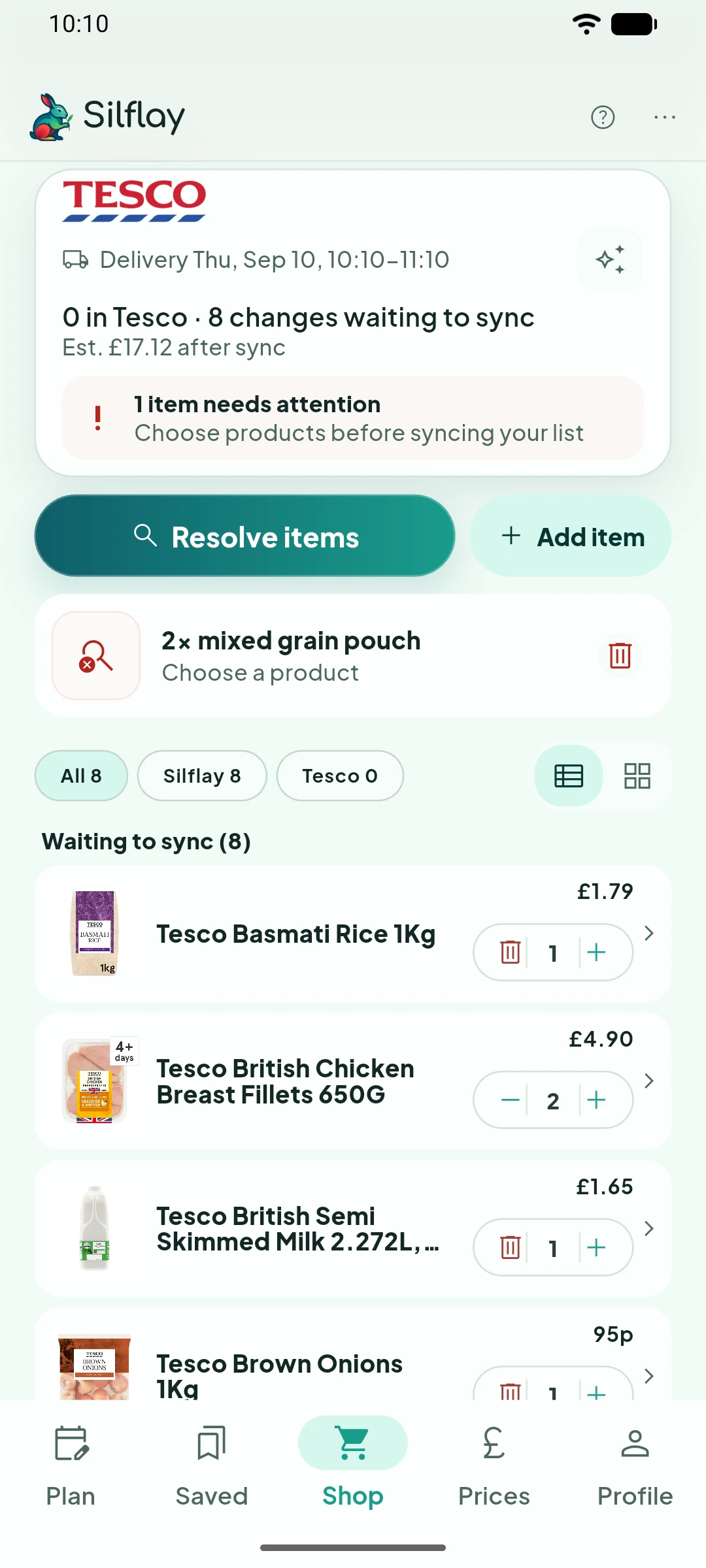
Tap a product to see why it’s there. Needed for shows the recipe ingredients behind Silflay’s choice, while Chosen for shows anything you’ve selected directly.
Silflay combines quantities when the same ingredient is needed more than once and chooses suitable products and pack sizes for the amount you need.
Use Compare alternatives to see whether there are cheaper, better-value, higher-rated or more nutritious options, then swap to the one that suits you.
Tell Silflay what matters to you
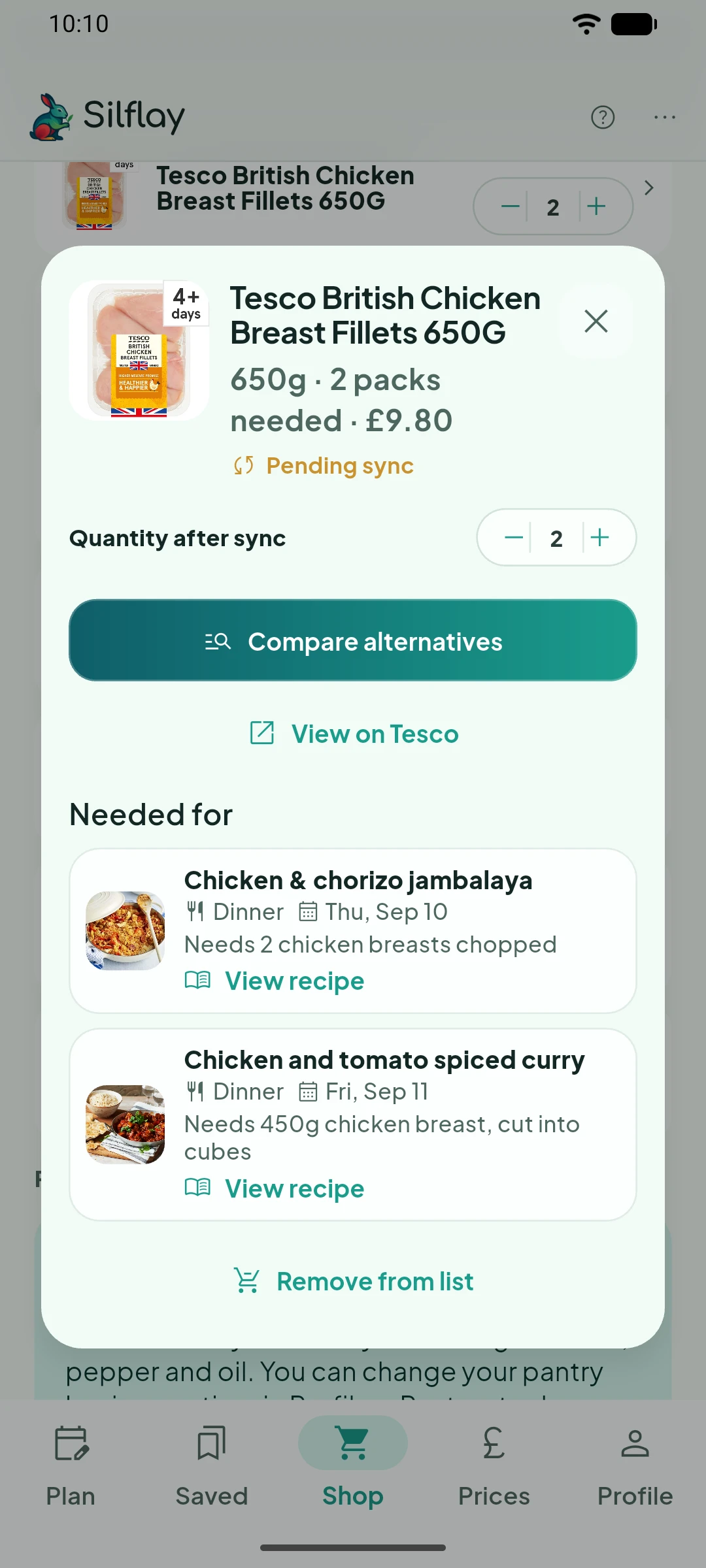
Tap the sparkles icon at the top of Shop to change how Silflay ranks products that are suitable for what you need. These choices change the emphasis rather than acting as absolute rules: Silflay still considers whether a product fits the ingredient, how much you need, suitable pack sizes and availability.
- Best value gives more weight to the total price of the packs you need.
- Top rated gives more weight to supermarket customer ratings.
- Healthier options gives more weight to nutritional quality.
You can separately choose how much preparation you prefer. No preference treats ready-to-use and whole ingredients alike. Save time on prep favours products that are already prepared, such as chopped or grated ingredients. Prefer to prepare myself favours less-prepared alternatives.
Tap Apply and update picks after changing either preference and Silflay will rerank the products for your current shop.
Choose anything Silflay couldn't match
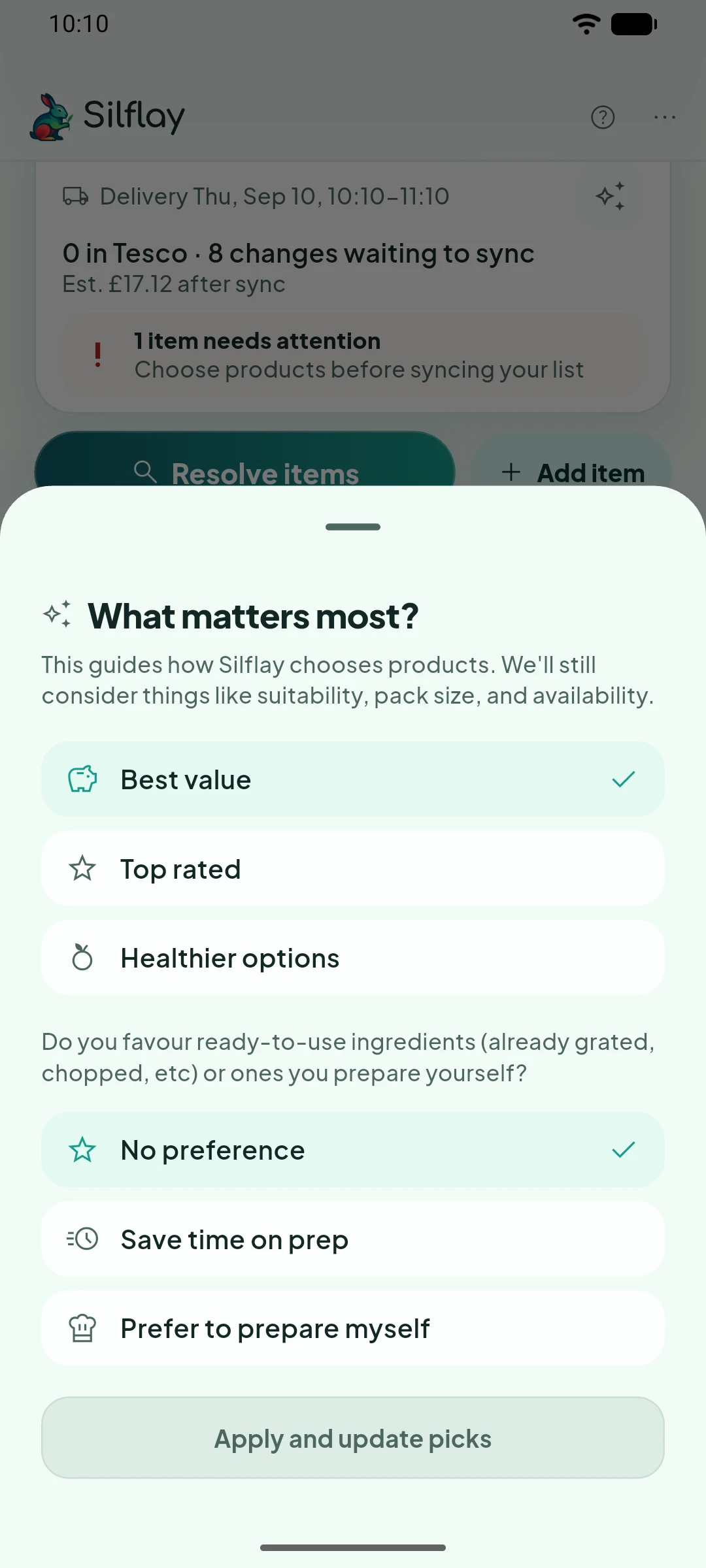
Most ingredients are matched to a supermarket product automatically. Needs your choice is for the exceptions: perhaps an unusual ingredient, something with several possible interpretations, or something your supermarket doesn’t appear to sell in a suitable form.
Search for the product you want and select it. If you’re shopping in store, Choose in store keeps the original ingredient text on your checklist so you can decide what to buy when you’re there. For an online shop, you’ll need to choose a supermarket product before it can be synced.
Keep everyday basics out of every shop
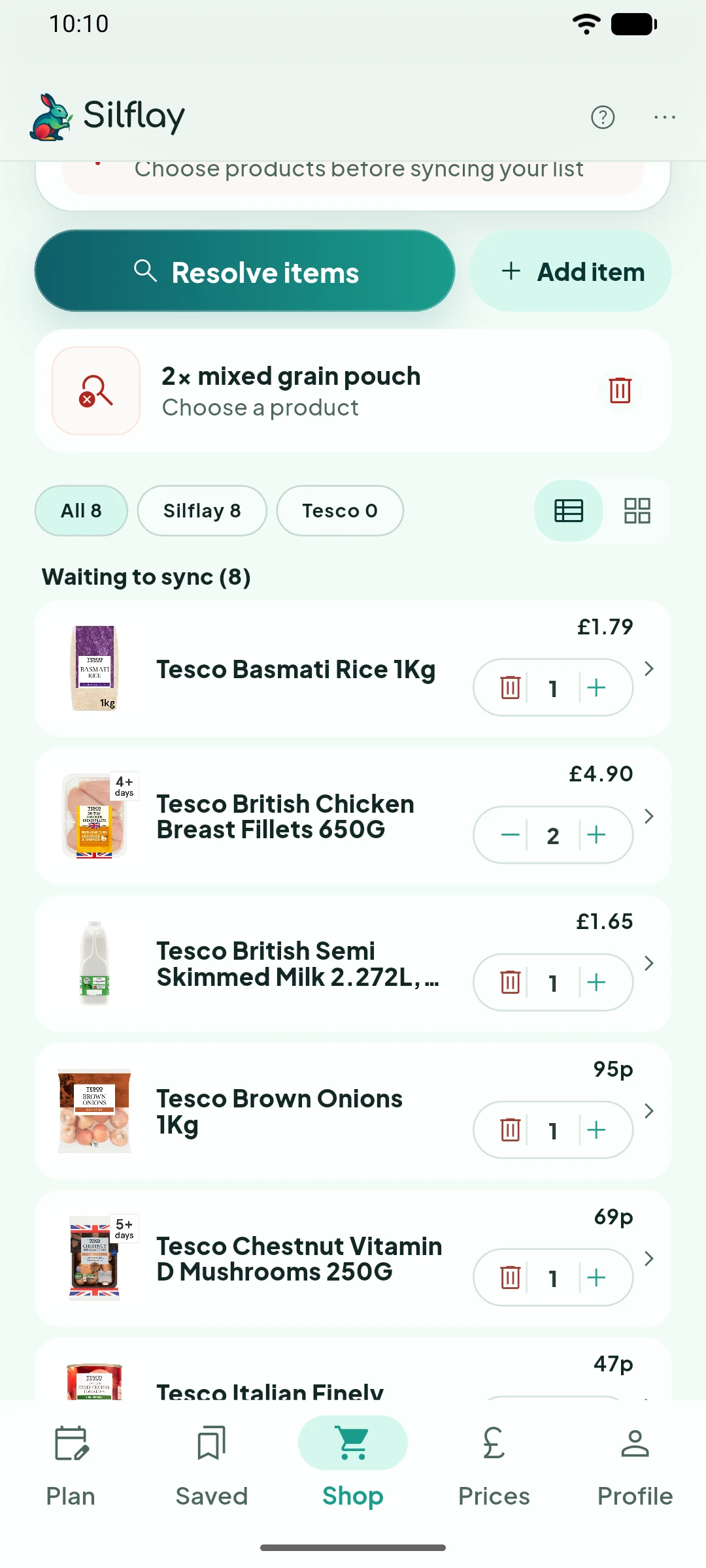
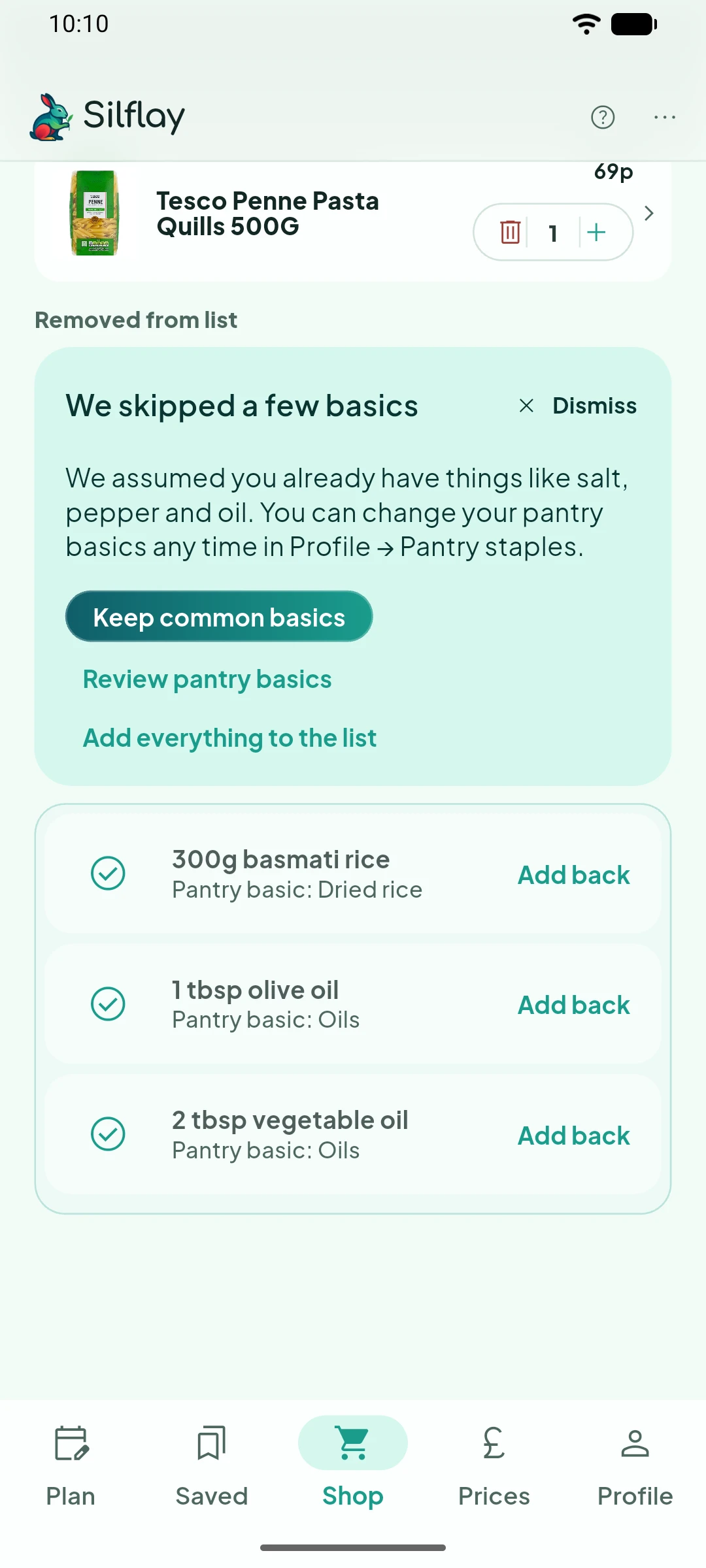
You probably don’t want salt, pepper or cooking oil added to your list every time a recipe mentions them. Pantry staples tells Silflay which everyday ingredients you normally keep at home, so it can leave them out automatically.
Silflay keeps anything it skipped visible under Removed from list. Use Add back if you need one of those ingredients for this shop without changing your usual pantry choices.
You can change these assumptions whenever you need to in Pantry staples, for example, when something you normally keep is running low.
What next?
Add any other items you need to the shop, and then send the list to your supermarket basket, or use the in-store checklist if you’re shopping in person.