
Your supermarket shop, sorted for you
Choose your meals. Silflay works out what you need and finds the supermarket products for you. Check the picks, then shop online or in store.


Try without signing up. Create a free account to keep access across devices. You'll need an account to subscribe.
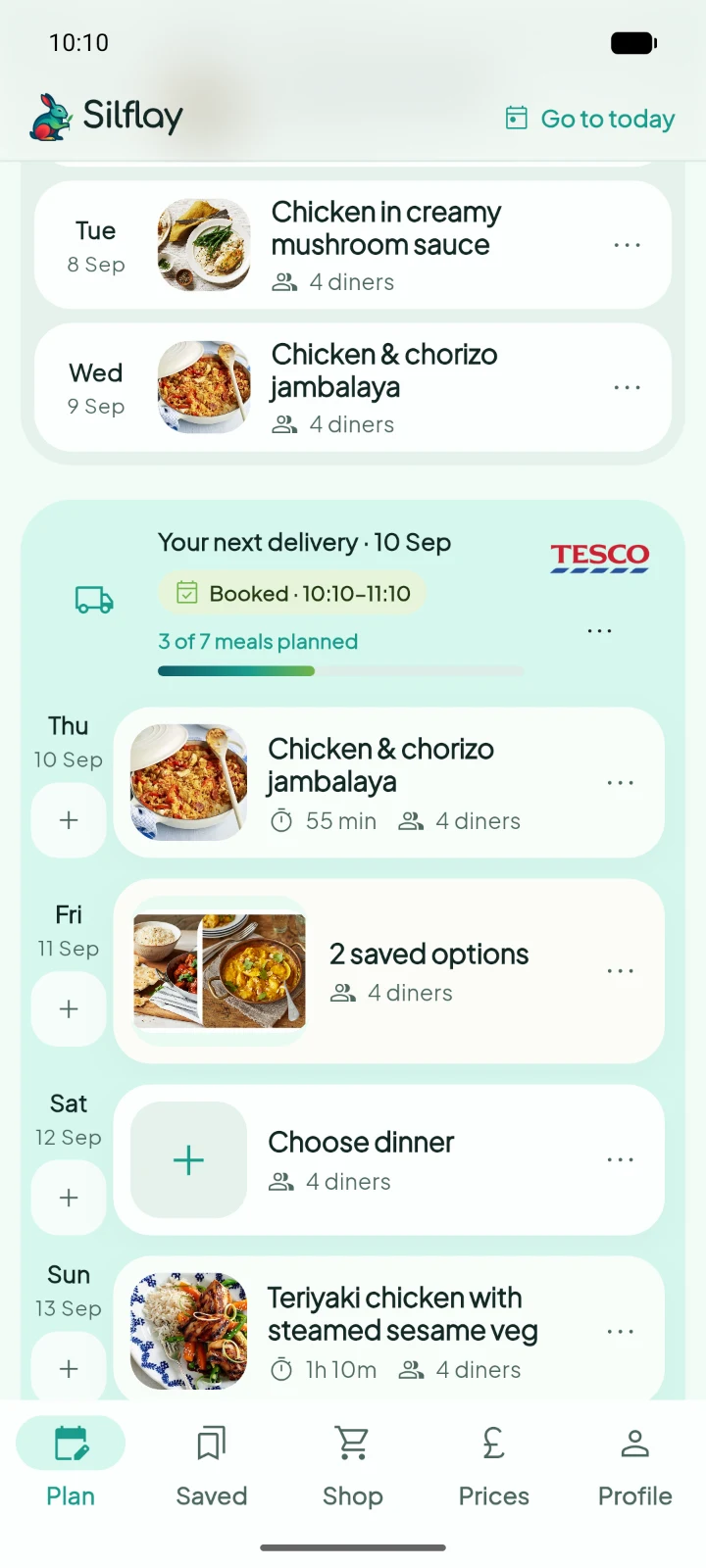
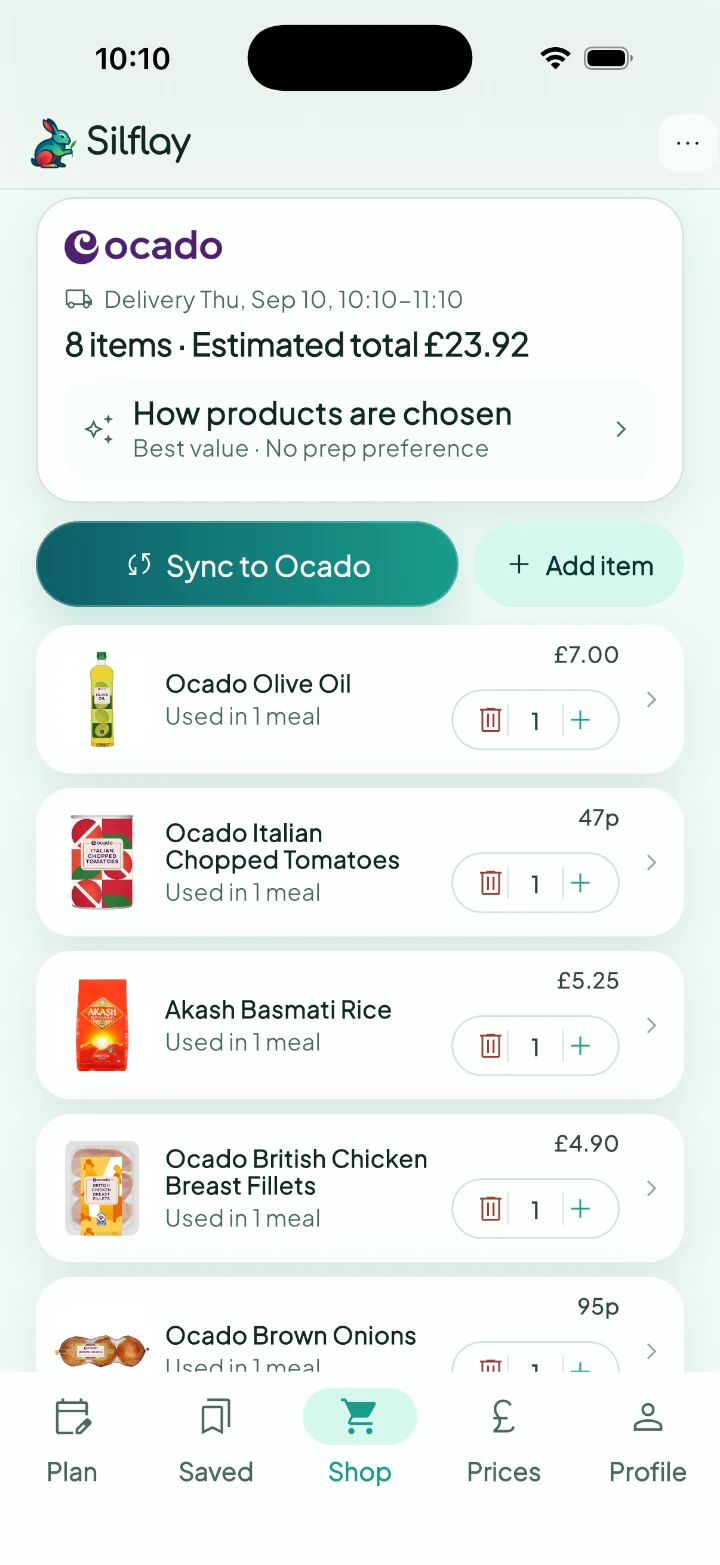
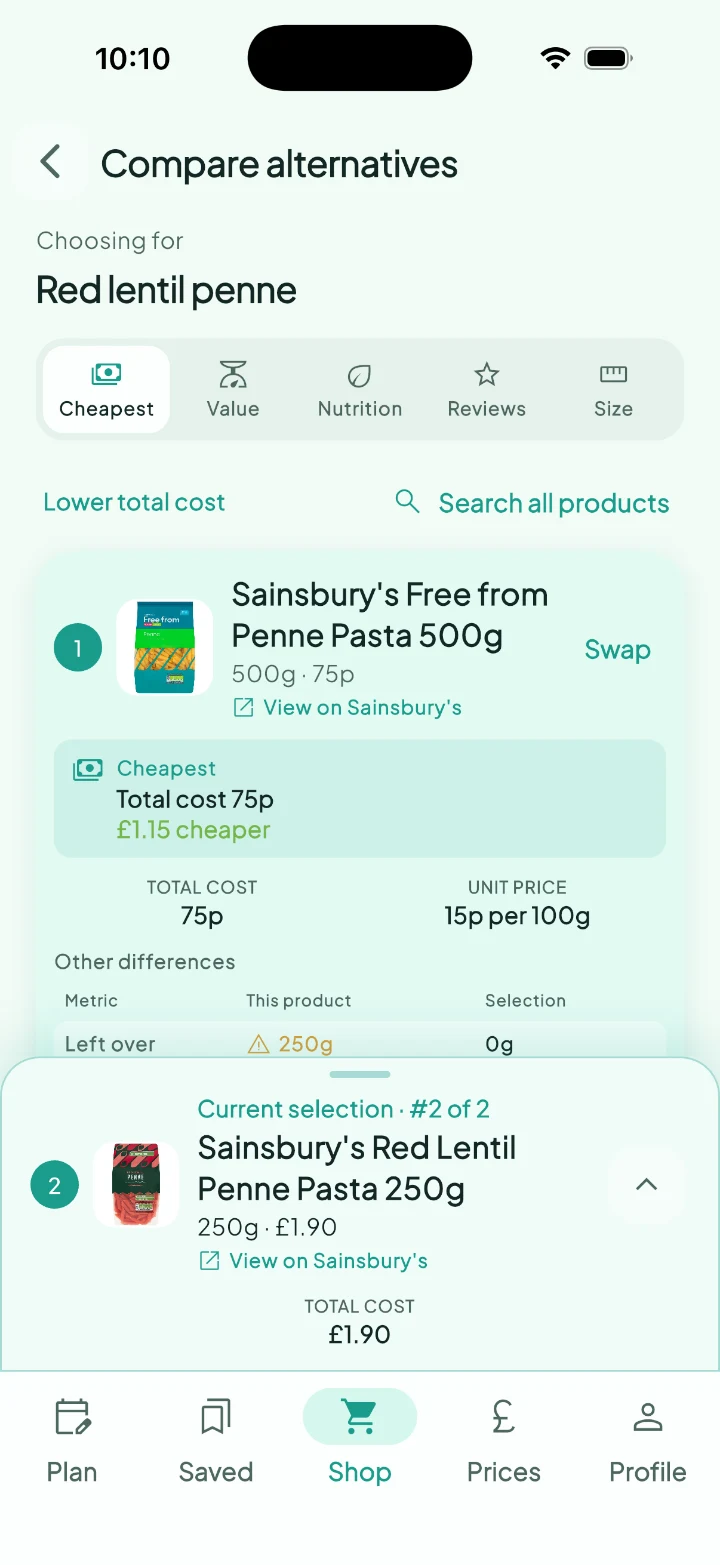
Dinner planned. Shopping sorted.
How Silflay works
-
Plan your meals
Find, import or scan recipes, or create your own meal.
-
Silflay builds your shop
We pick the products you need. Check them and make any swaps.
-
Send to your supermarket
Sync your picks to your connected supermarket basket.
-
Check out
Check the basket and place your order with the supermarket.
-
Relax
Shop sorted. One less thing to think about.
Shopping in store? Silflay still finds the products for you. Take the checklist with you instead.
Meal planning that fits your household
Use the meals you already love
Find a recipe, import a link, scan a cookbook or create your own regular meal. Silflay automatically scales recipe quantities up or down to match the number of diners.
Make it fit your household
Set dietary requirements meal by meal, so your plan fits everyone at home. Silflay combines shared ingredients across your meals, and you can add the everyday extras.
Keep the final say
Silflay does the searching; you just give the picks a quick check. Keep them as they are, or swap anything you prefer.
Before you get started
Which supermarkets does Silflay support?
Silflay supports Aldi, Asda, Morrisons, Ocado, Sainsbury's, Tesco and Waitrose.
Do I have to connect a supermarket account?
Only to sync products to an online basket. You can plan meals, get product picks and use the in-store checklist without connecting a supermarket account.