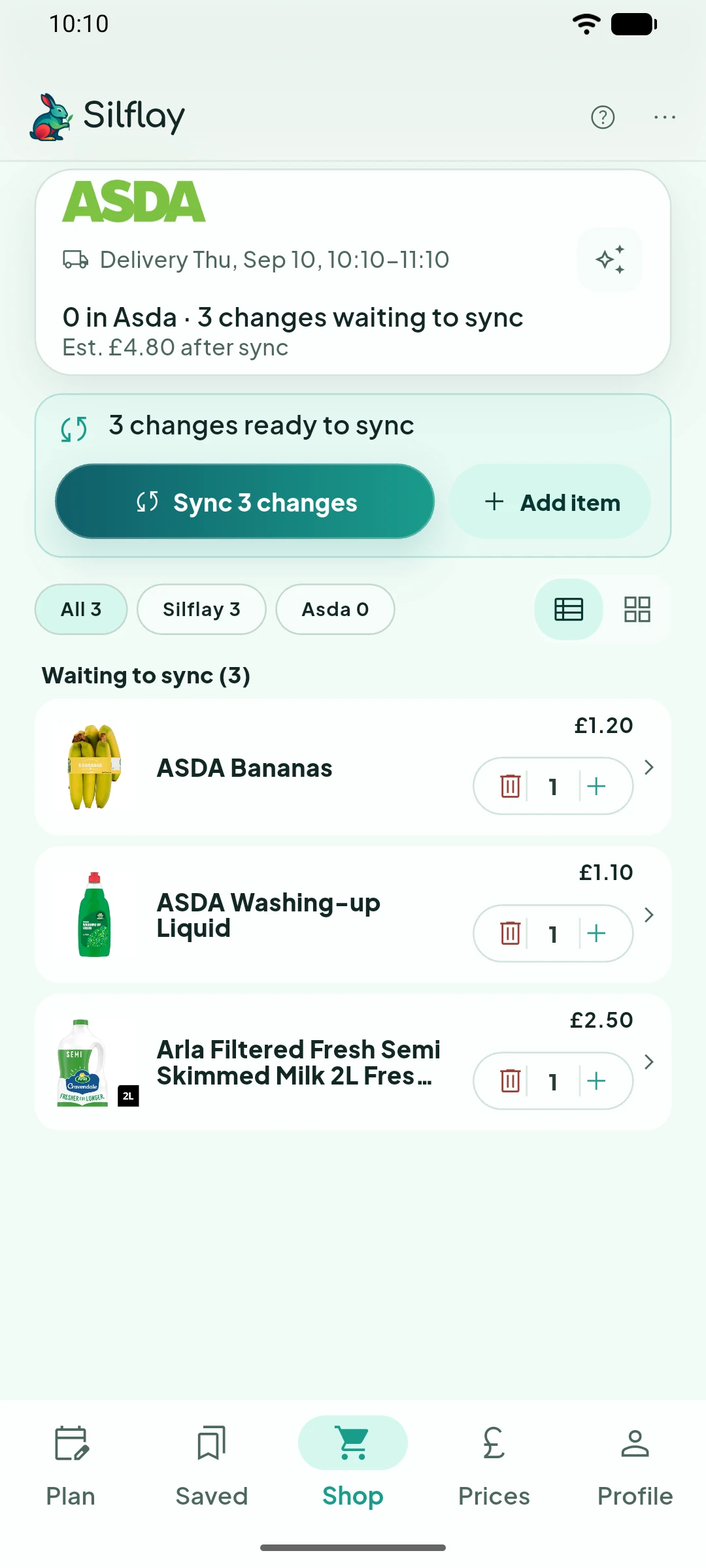
Your shop isn’t just the ingredients for your meals. Add anything else you need and Silflay will find suitable supermarket products for it. You can then check its picks and use the same data-driven Compare alternatives tools to explore other options.
Add the rest of your list
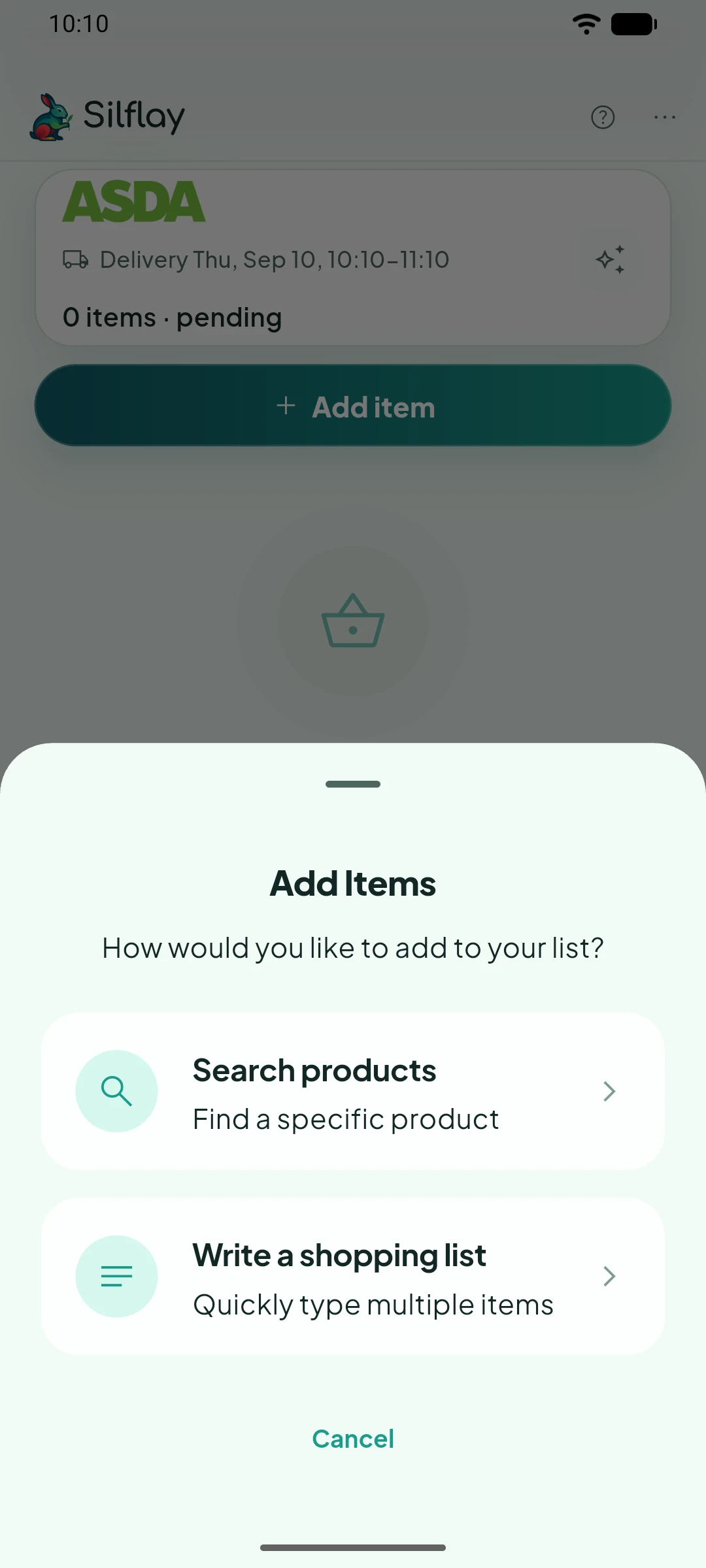
Tap Add item → Write a shopping list to add several things at once. You don’t need to know the exact product. Just describe what you need, such as semi-skimmed milk or washing-up liquid, and Silflay will find a suitable supermarket product.
If you already know the exact supermarket product you want, choose Search products instead.
Type or dictate your list
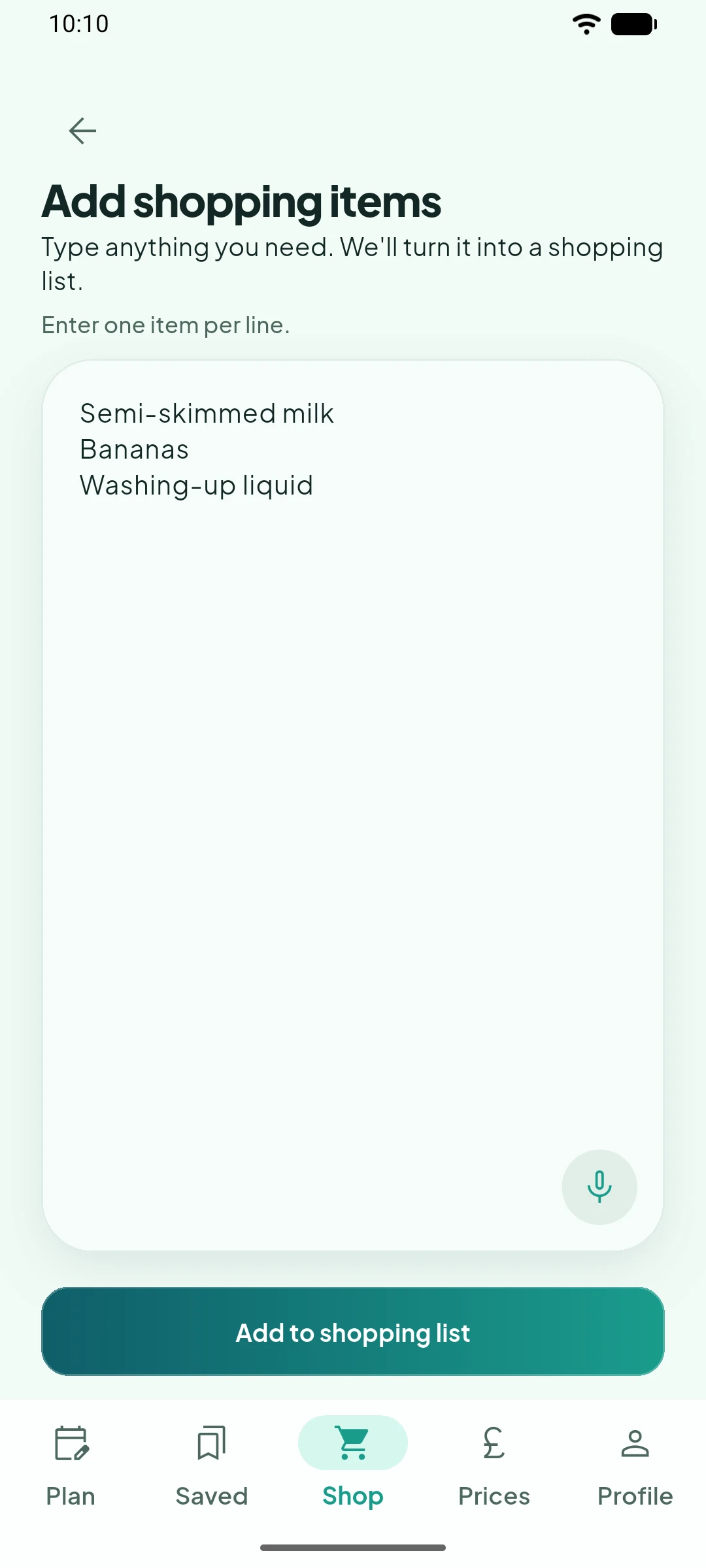
Enter one item per line, then tap Add to shopping list. Silflay will work through the list and try to find a suitable product for each one.
If the microphone is available, tap the microphone icon to start dictating. Say one item, then pause briefly before the next so Silflay can put it on a new line. You can also say next item or new line to start another item.
Tap stop when you’ve finished, then check the text and correct anything your phone misheard before adding it to the list.
Check what Silflay found
Back in Shop, check the products Silflay chose and their quantities. Anything it couldn’t match will appear under Needs your choice, just like an unmatched ingredient from a planned meal.
Tap a product if you want to change its quantity or compare alternatives.