Prefer to shop in person? Use the same list Silflay has built for your meals and extras as an interactive checklist. You don’t need to connect a supermarket account.
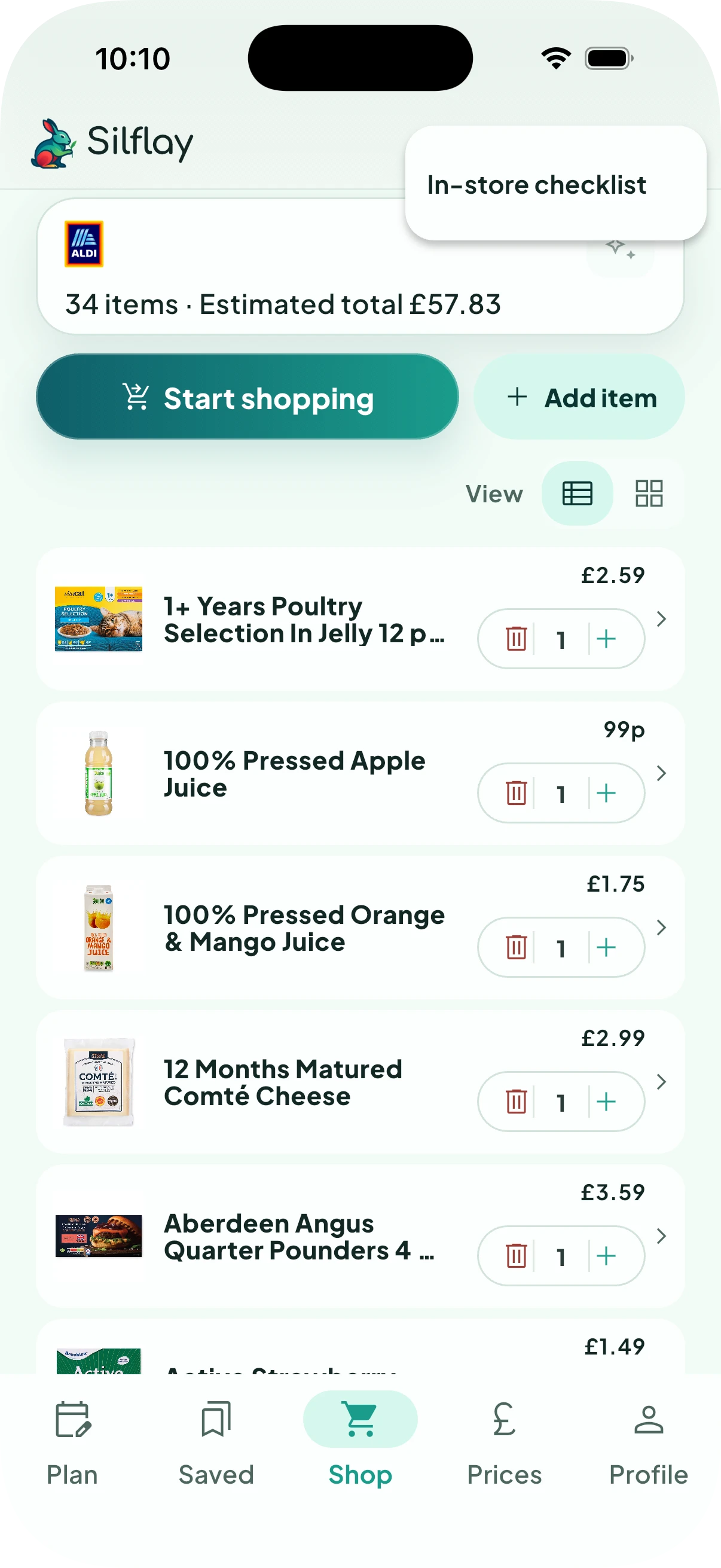
Start shopping
In Shop, tap Start shopping, or Continue shopping if you’ve already started.
If that button isn’t shown, open the three-dot More shop actions menu and choose In-store checklist.
Work through the shop by section
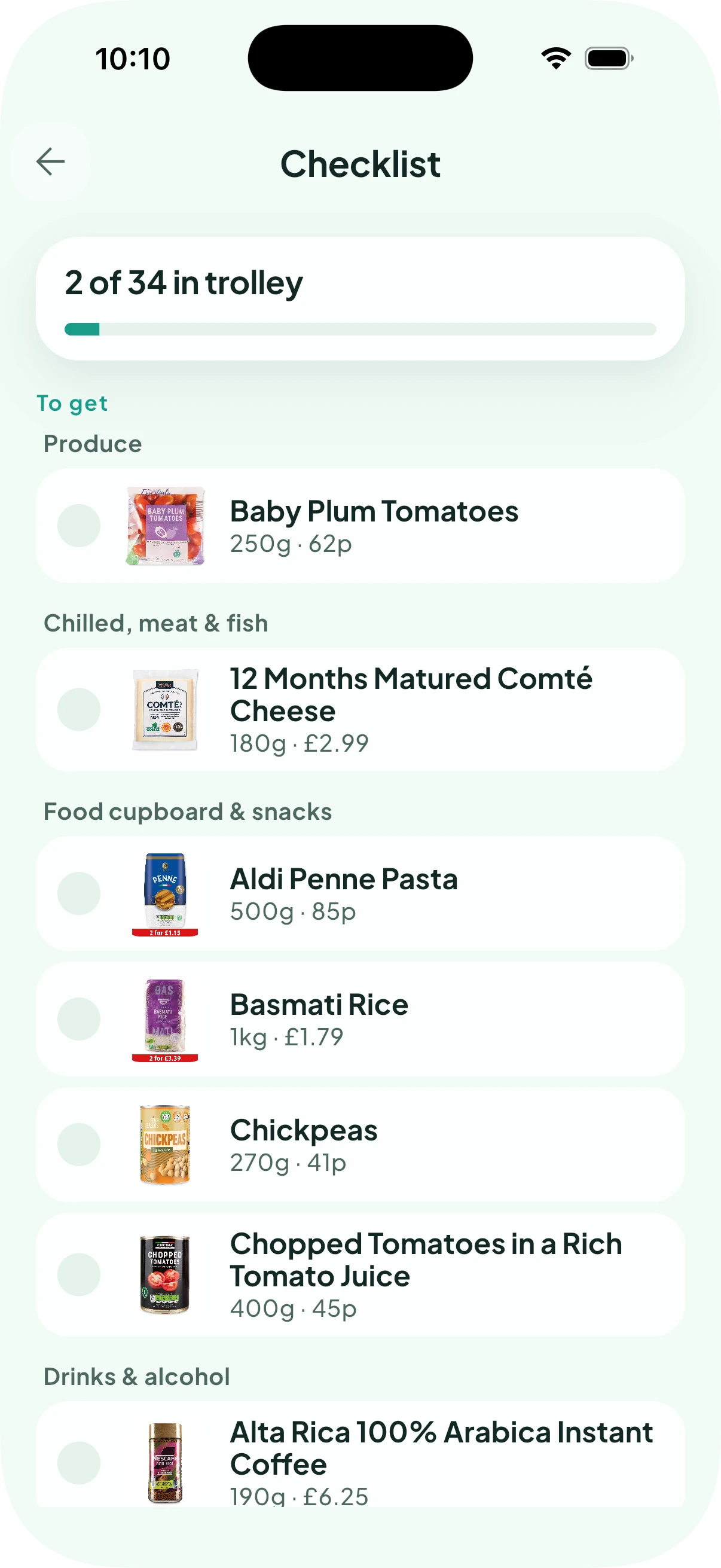
Your To get list is grouped into shopping sections, such as Produce, Chilled and Bakery, so related things stay together as you move around the store.
Where Silflay has chosen a product, you’ll see what to look for, including its pack size and price where available. If you left something as Choose in store, the original ingredient or item stays on the checklist so you can decide what to buy when you get there.
Tick things off as you go
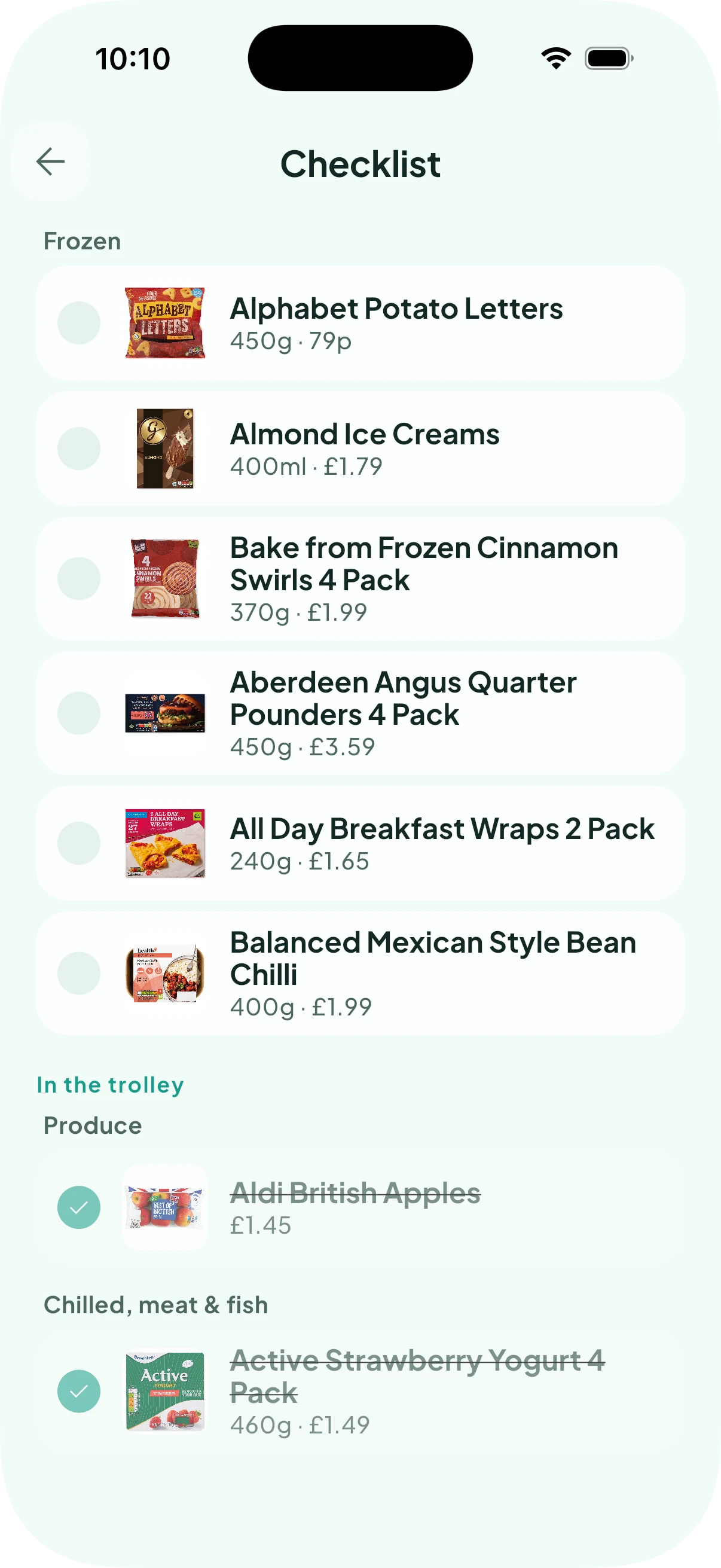
Tap an item when you put it in your trolley. It moves from To get to In the trolley, and your progress updates as you shop.
If you tap something by mistake, use Undo or tap it again under In the trolley to put it back on your list.
Your progress is remembered if you leave the checklist and come back.