You don’t always start planning a meal knowing exactly what you want to cook. Silflay lets you search when you have something in mind, or gives you a small mix of ideas when you need inspiration.
Find something you fancy
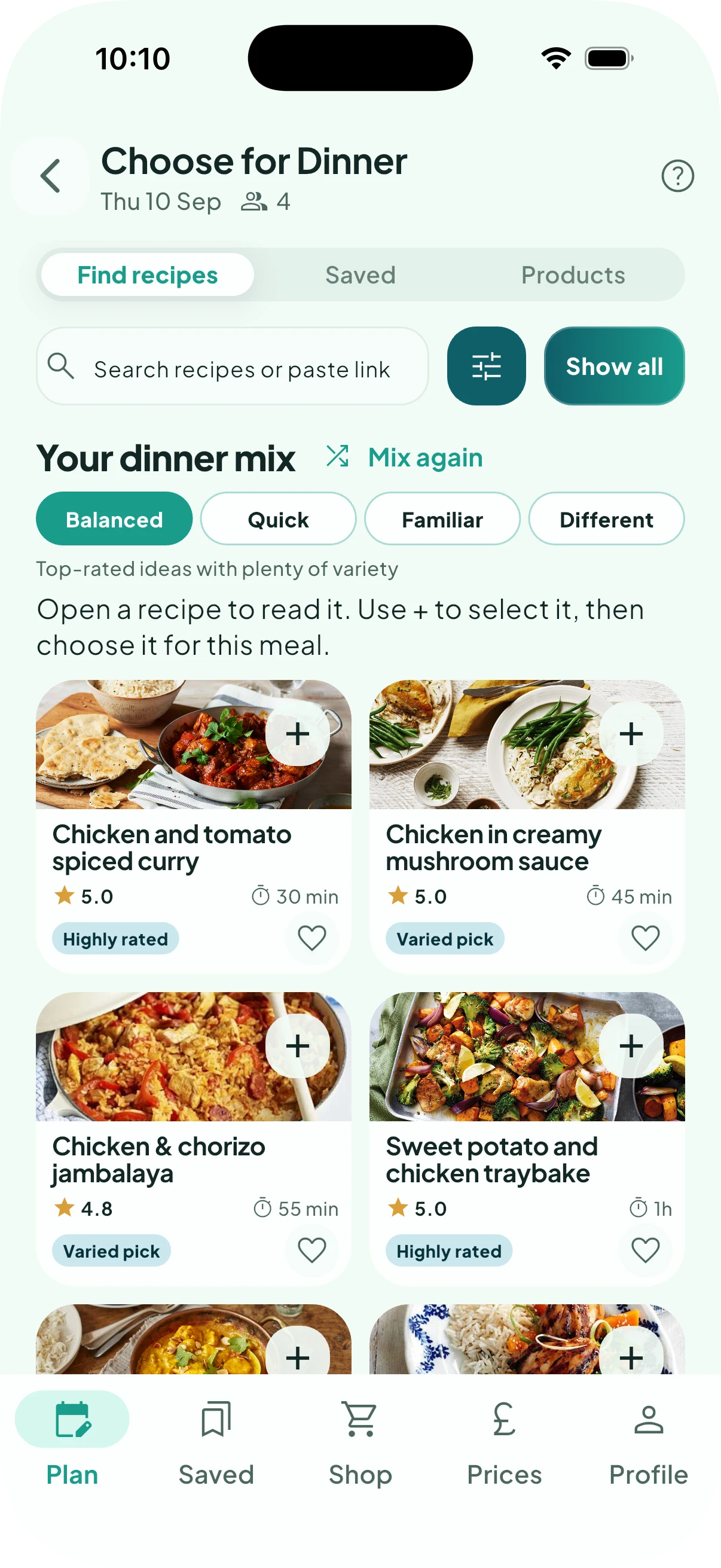
Your meal mix is a quick way to explore ideas without searching through the whole recipe collection. Choose the kind of inspiration you need:
- Balanced gives you top-rated ideas with plenty of variety.
- Quick concentrates on top-rated recipes that take 30 minutes or less.
- Familiar suggests recipes inspired by meals you’ve chosen before. It gets more useful as Silflay learns what you like.
- Different explores cuisines and dishes that you don’t often choose.
Tap Mix again whenever you want another set of ideas.
If you already have something in mind, type a dish or ingredient into Search recipes or paste link, or use Filters to narrow things down. You can also browse all recipes rather than using the mix.
Open any recipe to see the details before deciding.
Choose the recipe you want
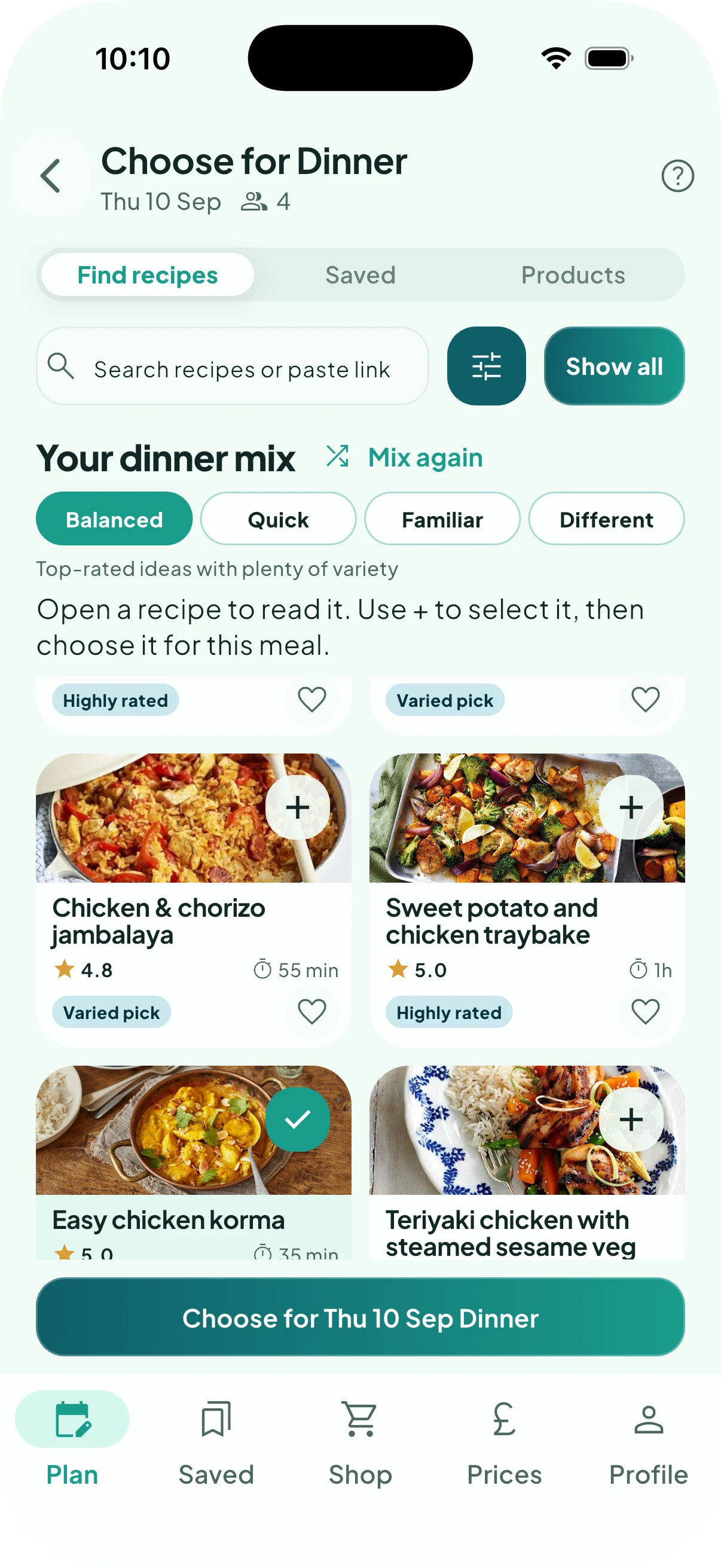
Found the one? Tap the + to select it, then Choose for the meal.
Silflay can then use its ingredients, scaled for the number of diners, to work out what you need for your shop.
Not ready to decide? Keep a shortlist
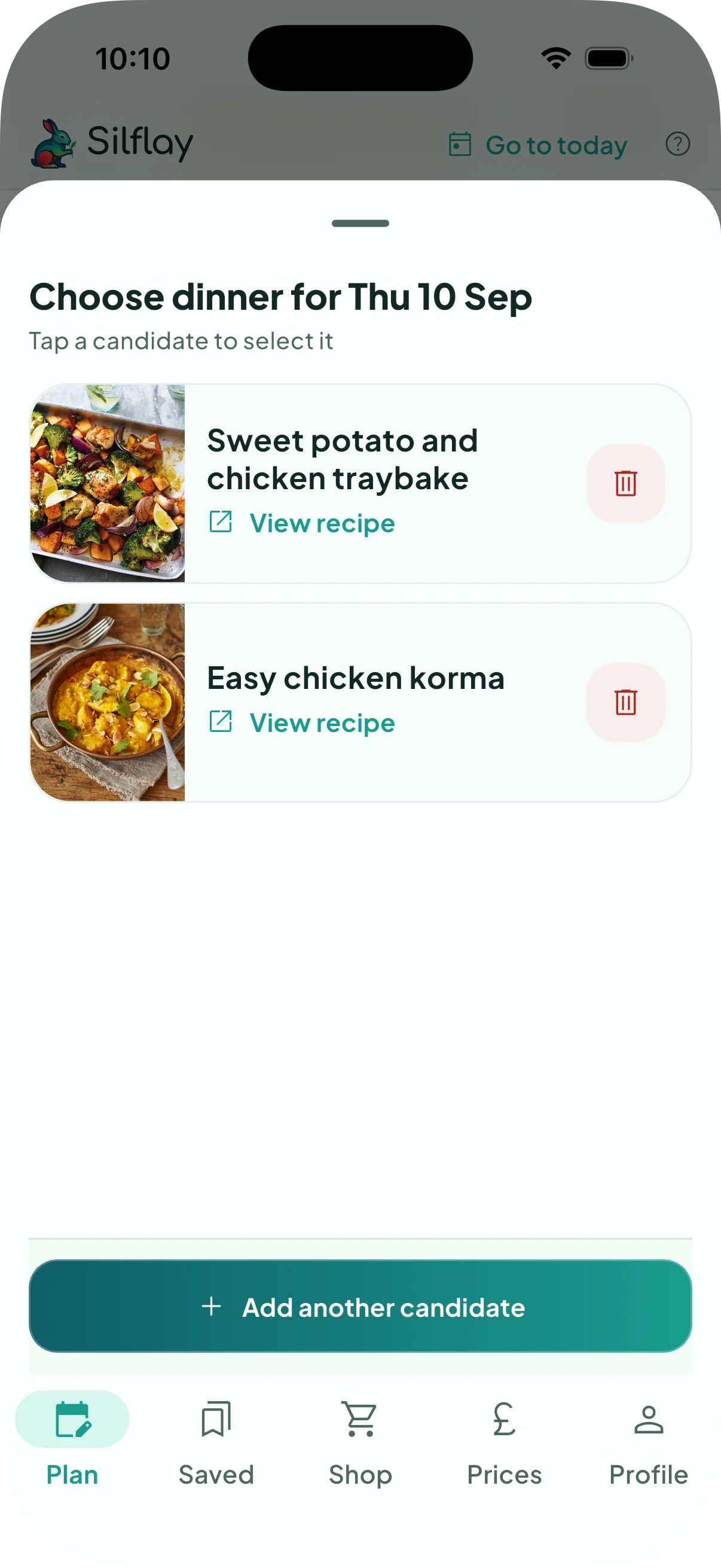
Sometimes several recipes look good and you’re not ready to choose between them yet. If you select more than one recipe you can then Shortlist to add them as options for that meal.
Back in Plan, the meal will show how many saved options you have. Tap that meal to see them again, then choose the one you want.
Only the recipe you eventually choose is added to your plan and contributes ingredients to your shop.
Keep a favourite for another week
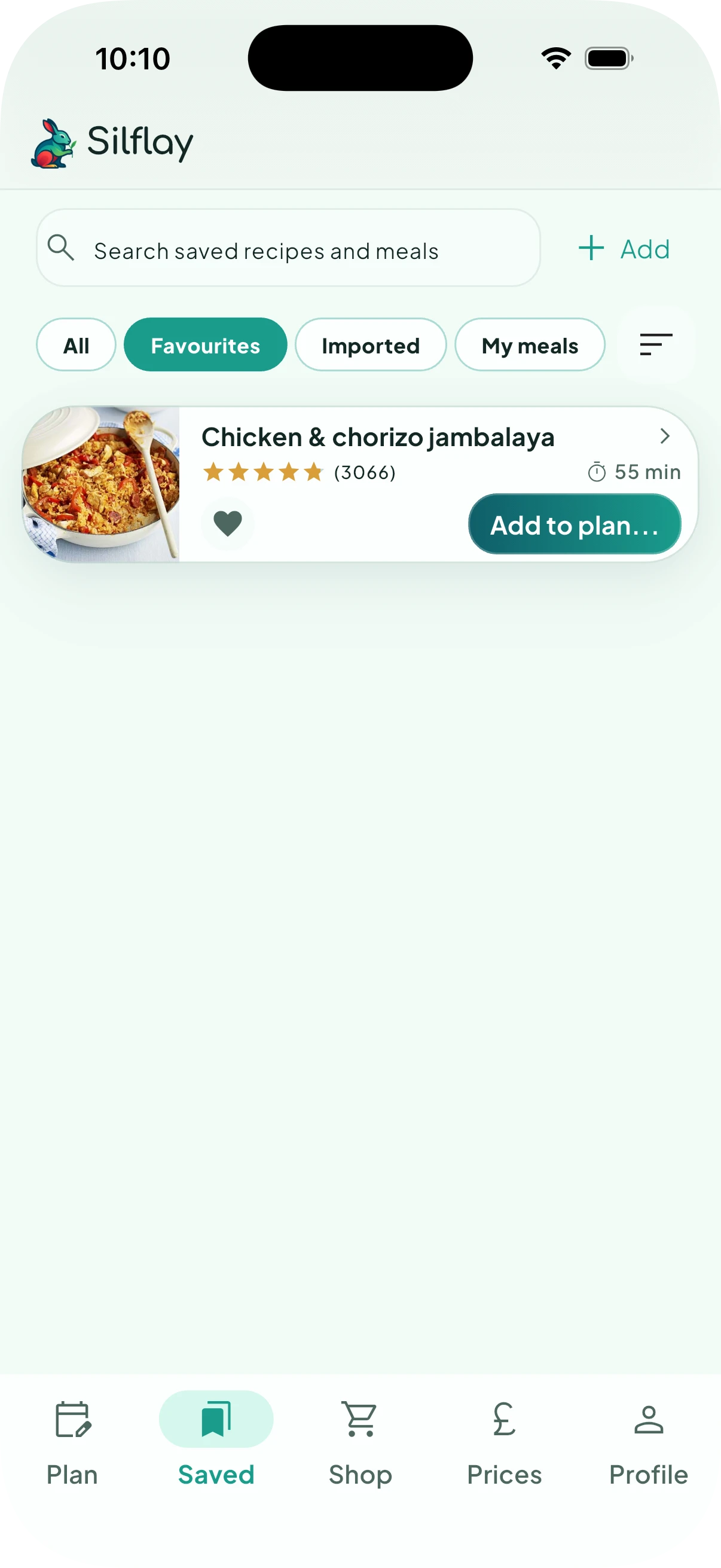
If you find something you’d like to keep at hand for the future, tap the heart to save it to your Favourites.
You can then find it in the Saved tab and can use Add to plan… to choose when you want to have it. Saving a favourite doesn’t add it to your current meal plan or shop.