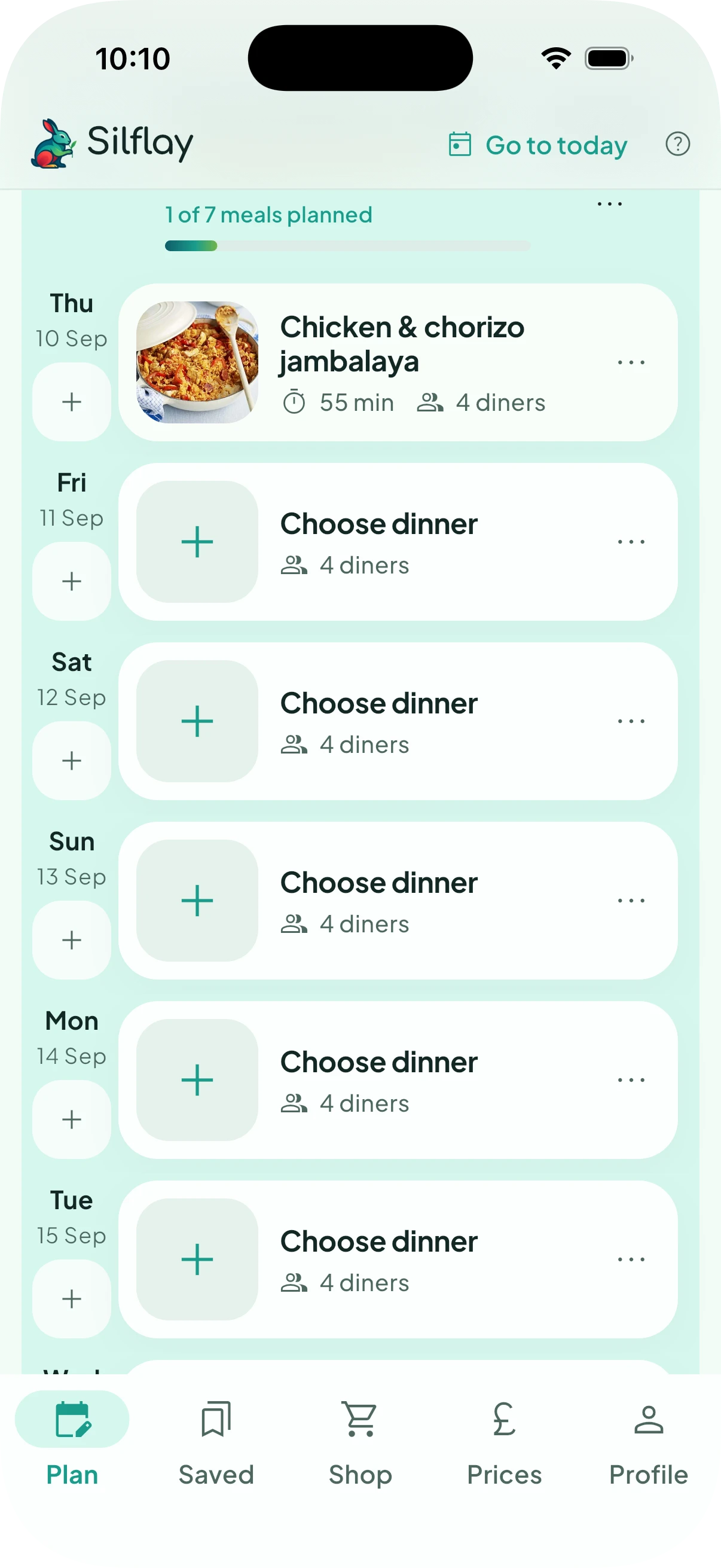
Plan is your view of meals over time. Scroll back to see what you’ve had, see what you’re having this week, plan the meals for your next shop, or keep going and plan as far into the future as you like.
Your shop and delivery dates divide that timeline into shopping periods. Silflay uses them to work out which meals belong to each shop, so once you choose what you’re going to eat, it knows what ingredients you’ll need.
Find the meals for your next shop
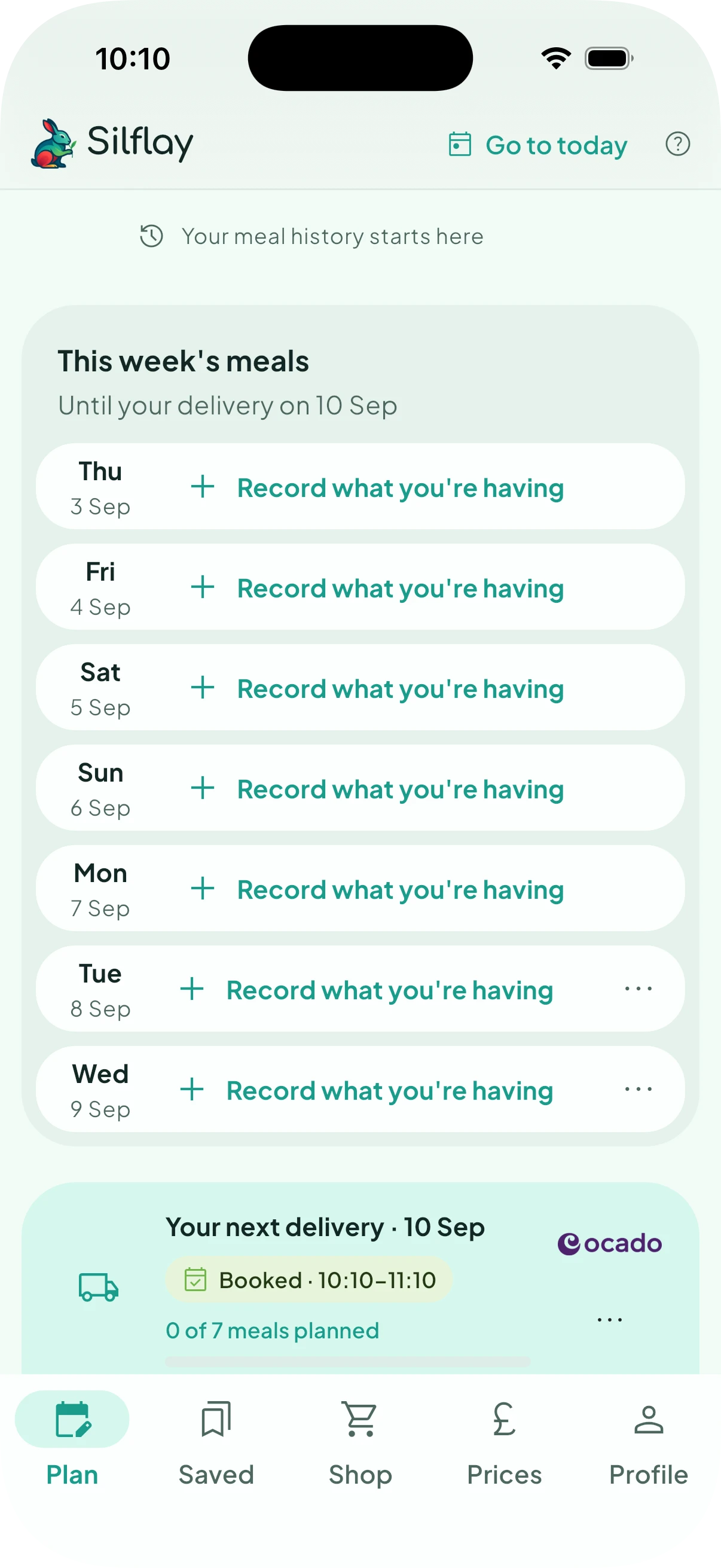
Find Your next shop or Your next delivery in the timeline. The meals that follow it, up to your next shopping day, are the meals that shop needs to cover.
Meals before that point are part of your current week. You can still record what you’re having there without adding anything to the shop you’re planning next. This is useful if you forgot to plan a meal in advance, or if plans changed and you want your timeline to reflect what you’re actually eating.
You can also scroll beyond later shopping days and start planning future meals whenever you want.
Choose what you're going to eat
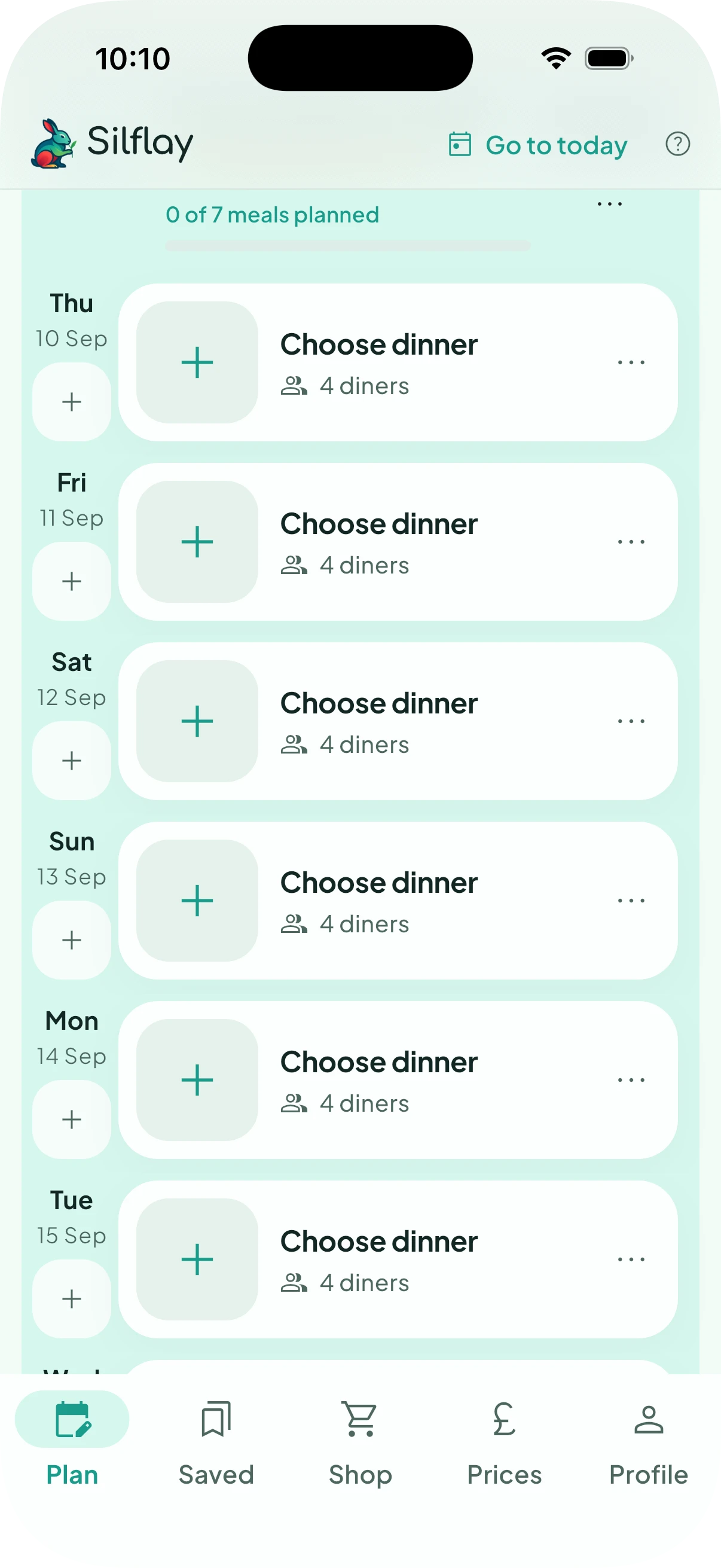
Tap an empty meal, such as Choose dinner, and find something you want to eat. You can browse recipes, search for a particular dish or choose one of your saved meals.
You don’t have to decide immediately. You can keep a few possibilities on your shortlist while you choose. When you’ve decided, select the meal you want and choose it for that slot.
The next guide, find a recipe, explains the different ways to find something to eat.
Build up your plan
Your chosen meal now appears in the timeline. Carry on filling the meals you want to plan; you can leave others empty, add meals as you go, or mark a meal as Eating out when you don’t need food at home.
As you choose meals, Silflay scales each recipe’s ingredients to match the number of diners for that meal, combines everything, and works out what you need for the relevant shop. Open Shop when you’re ready to see the products it has picked for you.
Only meals you actually choose contribute ingredients to your shop. Shortlisted ideas are there to help you decide and don’t add anything until you choose one.