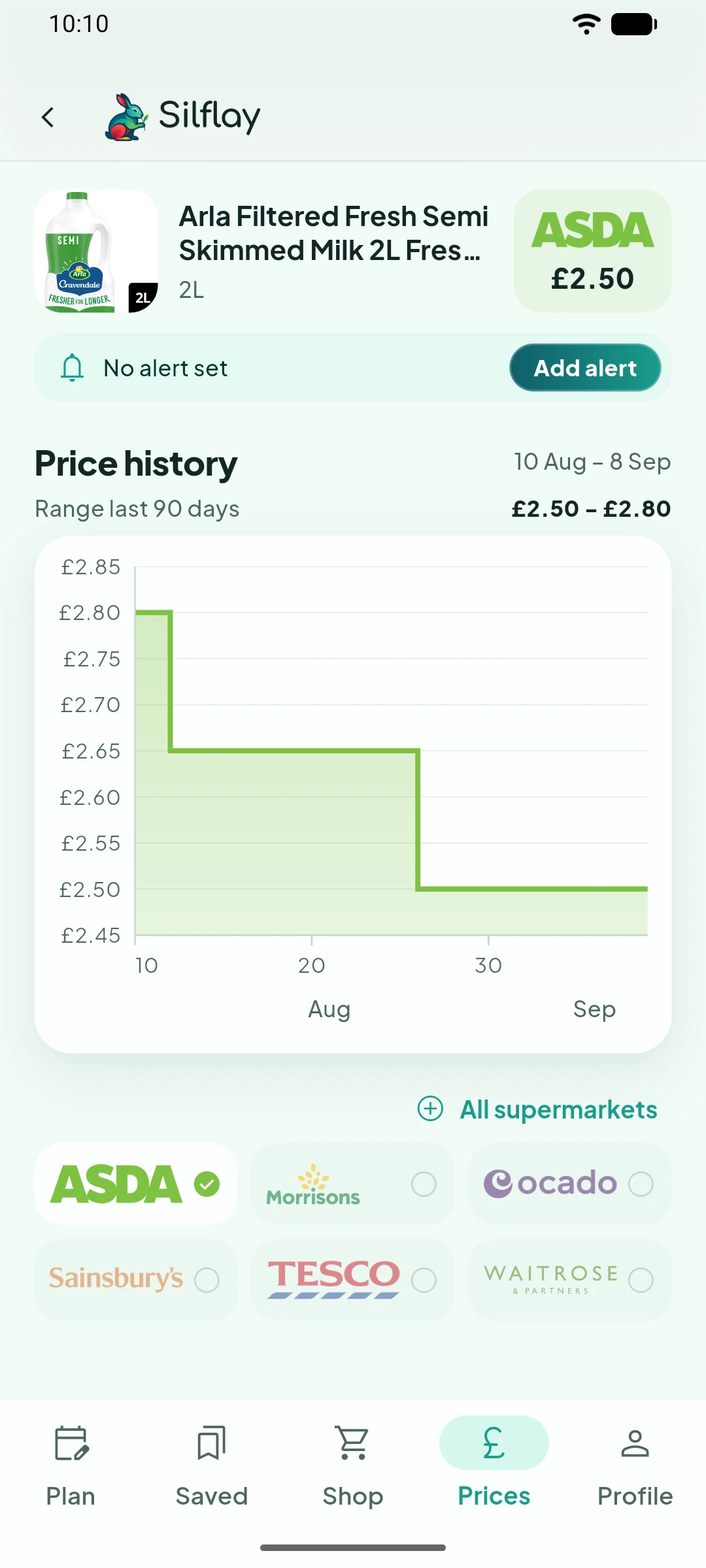
Don’t want to keep checking the price yourself? Set an alert and Silflay can let you know when there’s a reason to look again.
Start watching a product
Tap Add alert on the product you want to watch.
If you already have alerts set, Edit alert takes you to Manage alerts, where you can see or remove them.
Choose what you're waiting for
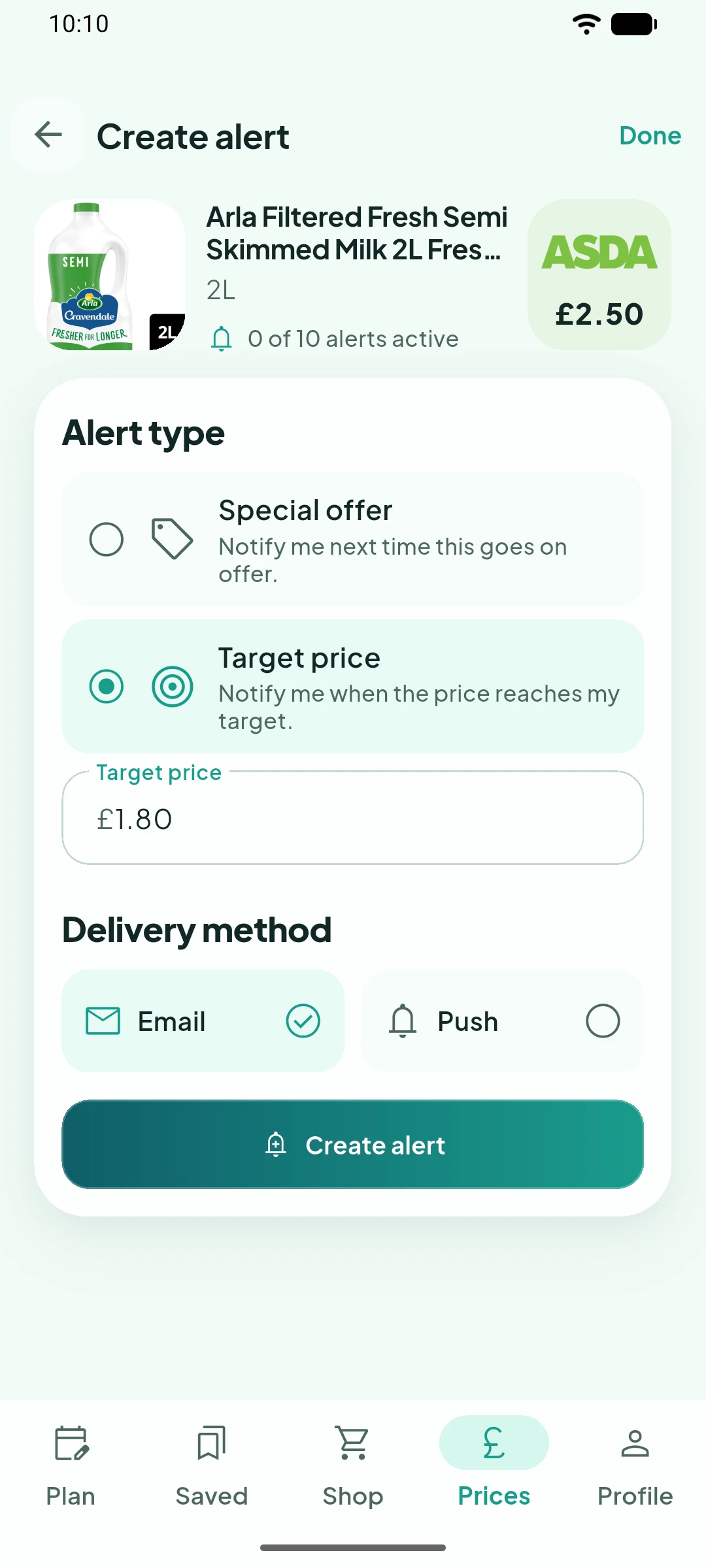
Choose Special offer if you want to know the next time the product goes on offer.
Or choose Target price and enter the price you’d be happy to pay. The target needs to be below the product’s current price.
Choose Email, Push, or both, then tap Create alert. Silflay will guide you through verifying your email address or enabling notifications if needed.
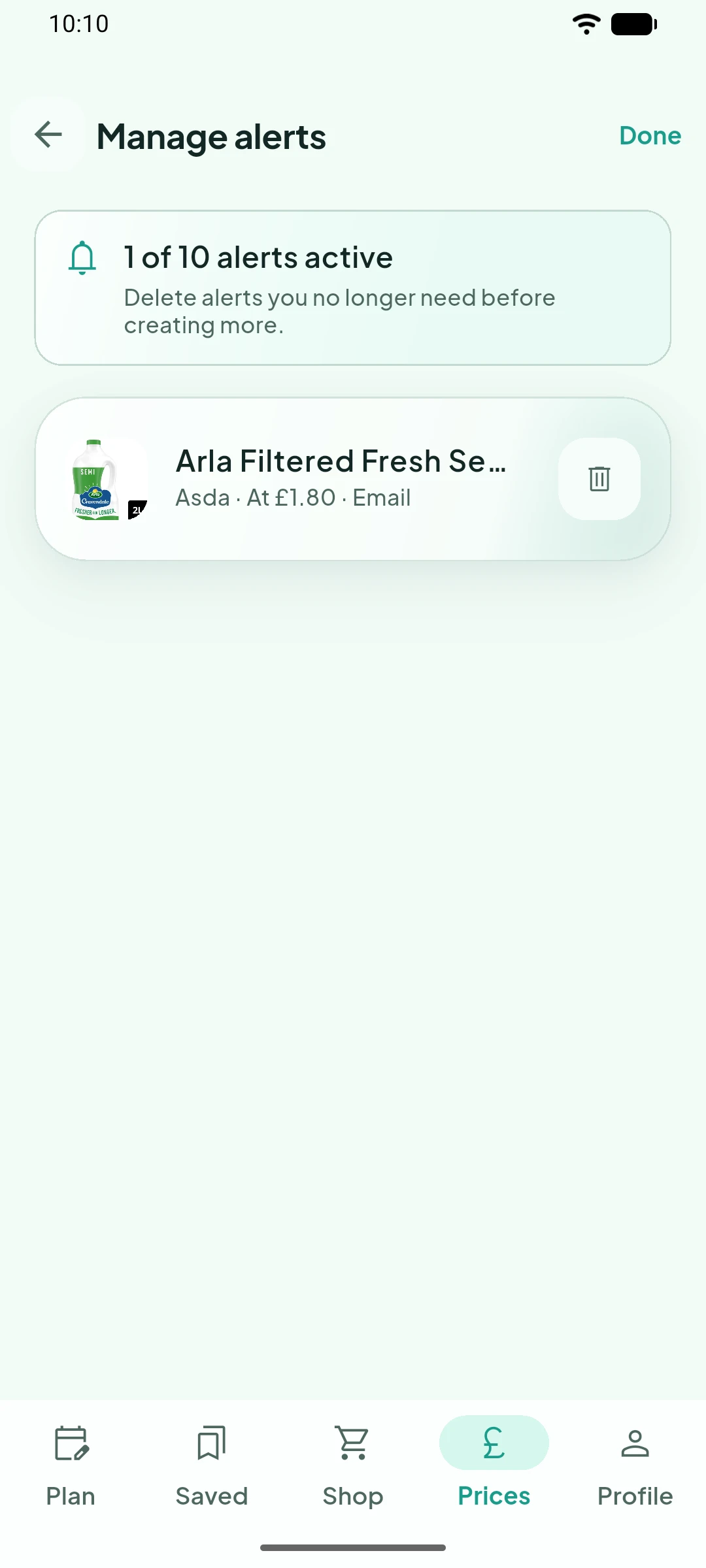
Manage the alerts you're watching
Your active alerts are kept together in Manage alerts. Remove any you no longer want to watch to make room for new ones.
When an alert is triggered, you can return to Prices to see the latest price and its recent history before deciding whether to buy.